Hotels, B&Bs and holiday lets
Get your guests to share their photos of your place
Your guests already take the photos: the view from the window, breakfast on the terrace, the walk to the harbour. Give them a card to scan and those photos come to you, ready to post with their name on. Use a creator for the big shoot, and your guests for everything in between.
Free while we’re getting started. No card. No app or account needed for guests.
How it works
Put a card where they'll see it
Print the QR on a card for the room, the reception desk or the welcome book. The example ask works as it is.
Guests send their photos
They scan with their phone camera, send a photo and choose how they're credited. No app, no account.
Post the best, with their name on
Pick the ones you like. Each becomes a post in your colours with the guest's name on. Send it to Buffer, or download it and post it yourself.
In more detail
Hotels and B&Bs
A card on the bedside table or at reception: "Show us your view this morning." Real photos of real stays, from the people who were there.
Holiday lets
Put the QR in the welcome book. Guests send their photos during their stay, and they come to you even when you're not there to meet them.
Guest photos without the chasing
No searching hashtags or asking for permission one message at a time. Guests send the photo to you and choose how they're credited, and each send keeps a record of what they were told.
The example ask
Pick “Show us your view” and it works as it is. Change anything you like later.
- What you ask
- “Enjoying your stay? Show us your view.”
- What they send
- PhotoWords (optional)
- When you pick one
- Each one you pick becomes a post in your colours, sent to your Buffer queue, or downloaded.
- On the poster
- “Show us your view”
- ExampleClaire · second stay
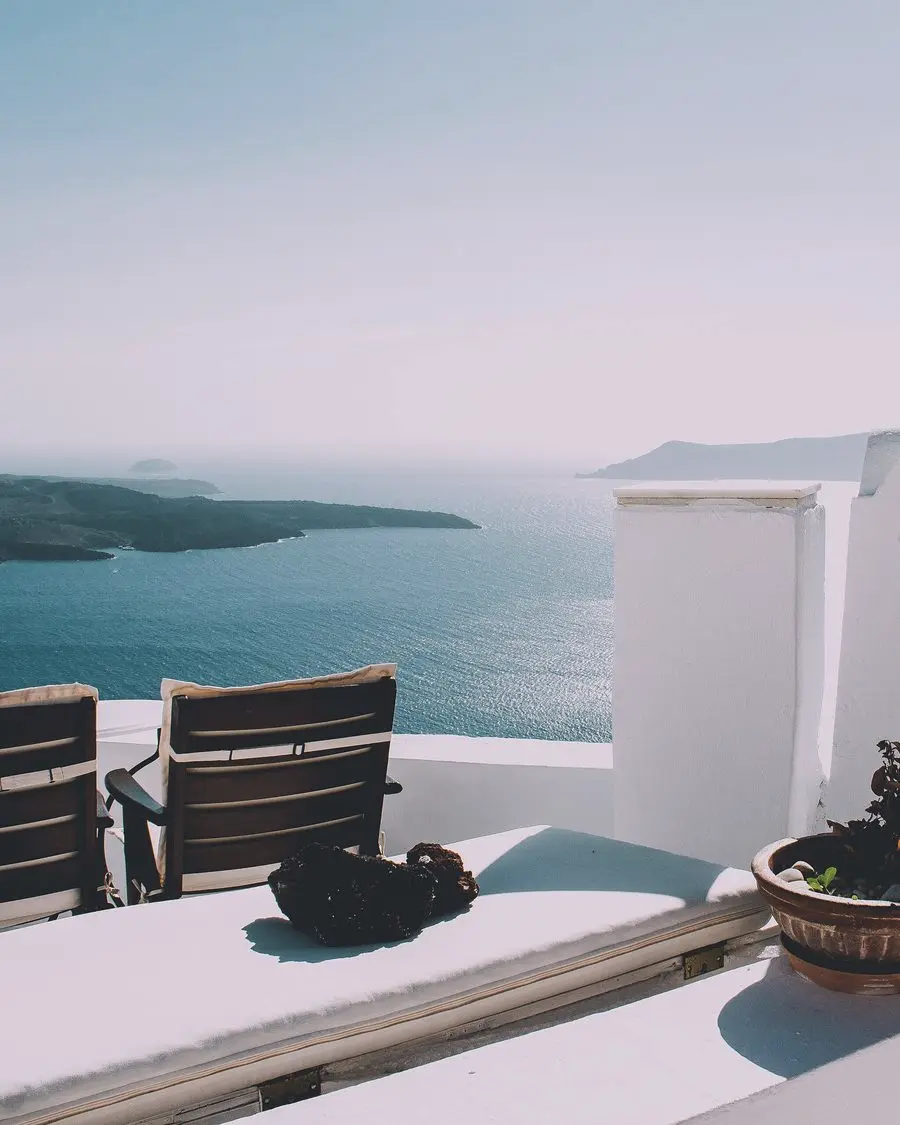
Coffee on the terrace before anyone else was up. That view. - ExampleDan · anniversary weekend

Breakfast in bed on our anniversary. Didn't move till ten.
Worth knowing
- Guests' photos are real, not polished. They sit best between your own photos, not instead of them.
- Nothing posts without your yes. You see every photo first.
- Guests need signal or Wi-Fi to send, so put your Wi-Fi details near the card.
Questions
Do guests need an app?
No. They scan the QR code with their phone camera, or tap your link, and send from the page that opens. No app, no account.
Does anything post without me?
No. You see every photo first, with the caption it would go out with, and you can change the caption. Nothing goes to Buffer until you send it.
Do I need a Buffer account?
No. Sign in with your email and you can collect and check photos, show them on a TV wall, and download them. Connect Buffer if you want the ones you pick to go to your social media for you: you sign in to Buffer and choose your channels, which takes about a minute. For Instagram, Buffer needs a business or creator account, which you can switch to for free in Instagram's settings.
Is it free?
Yes. Guest Star is free while we're getting started, and so is the QR poster maker. No card, no trial that runs out.
Can someone take their photo down?
Yes, at any time. Everyone who sends something gets a private link to check it or remove it. If it hasn't gone out yet, we cancel it.
Try it before your guests do.
Pick an example ask, print the poster, and send yourself a photo.