Gardens, parks, historic houses and nature sites
Your place through the year, from your visitors' phones
Visitors photograph your place every day: the first tulips, the roses on the wall, the avenue in autumn, the frost on the view. One link, open all year, brings those photos to you, ready to post with their name on or to download.
Free while we’re getting started. No card. No app or account needed for guests.
How it works
One QR, all year
Print the QR for the entrance, the tea room or a viewpoint. The "Through the year" example asks "What's flowering today?" and stays open.
Visitors send what they see
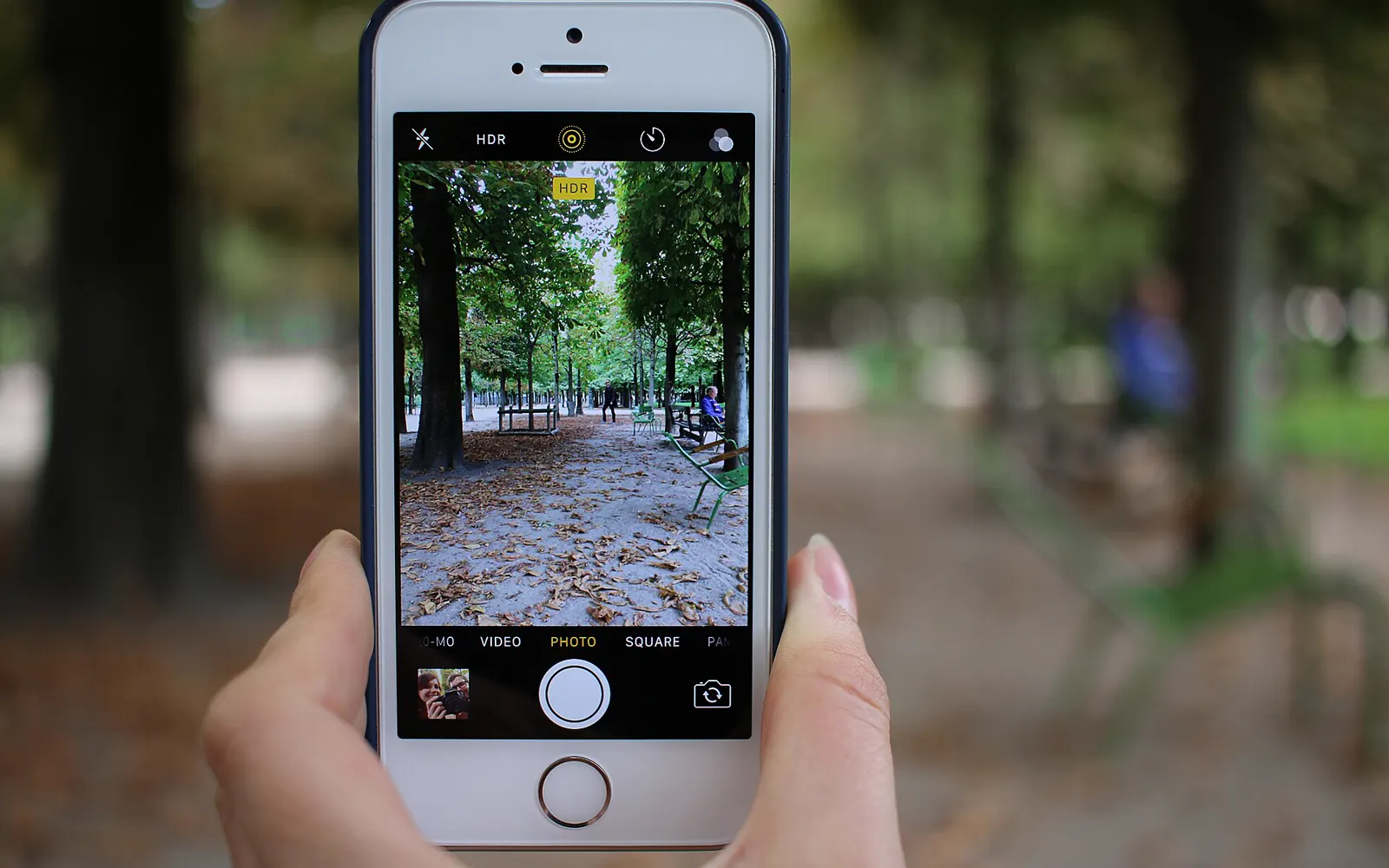
They scan with their phone camera, send a photo and choose how they're credited. No app, no account.
Post the best each month
Pick a month's favourites and make them into one carousel, with a caption like "This month at Wrenfield", for your Buffer drafts. Or send them one at a time, or download them.
In more detail
Gardens and parks
What's flowering, what's turning and what's frosted over, from the people walking round, every week of the year.
Historic houses and nature sites
The house in the sunshine, the view from the top, the first swallows. A QR at the viewpoint asks for exactly that.
Your newsletter and annual report
Download every photo in one go from your link's page, for the members' newsletter, a talk or the year in review.
The example ask
Pick “Through the year” and it works as it is. Change anything you like later.
- What you ask
- “What's flowering today? Show us what caught your eye.”
- What they send
- PhotoWords (optional)
- When you pick one
- Each one you pick becomes a post in your colours, sent to your Buffer queue, or downloaded.
- On the poster
- “What's flowering today?”
- ExampleHelen · member since 2023
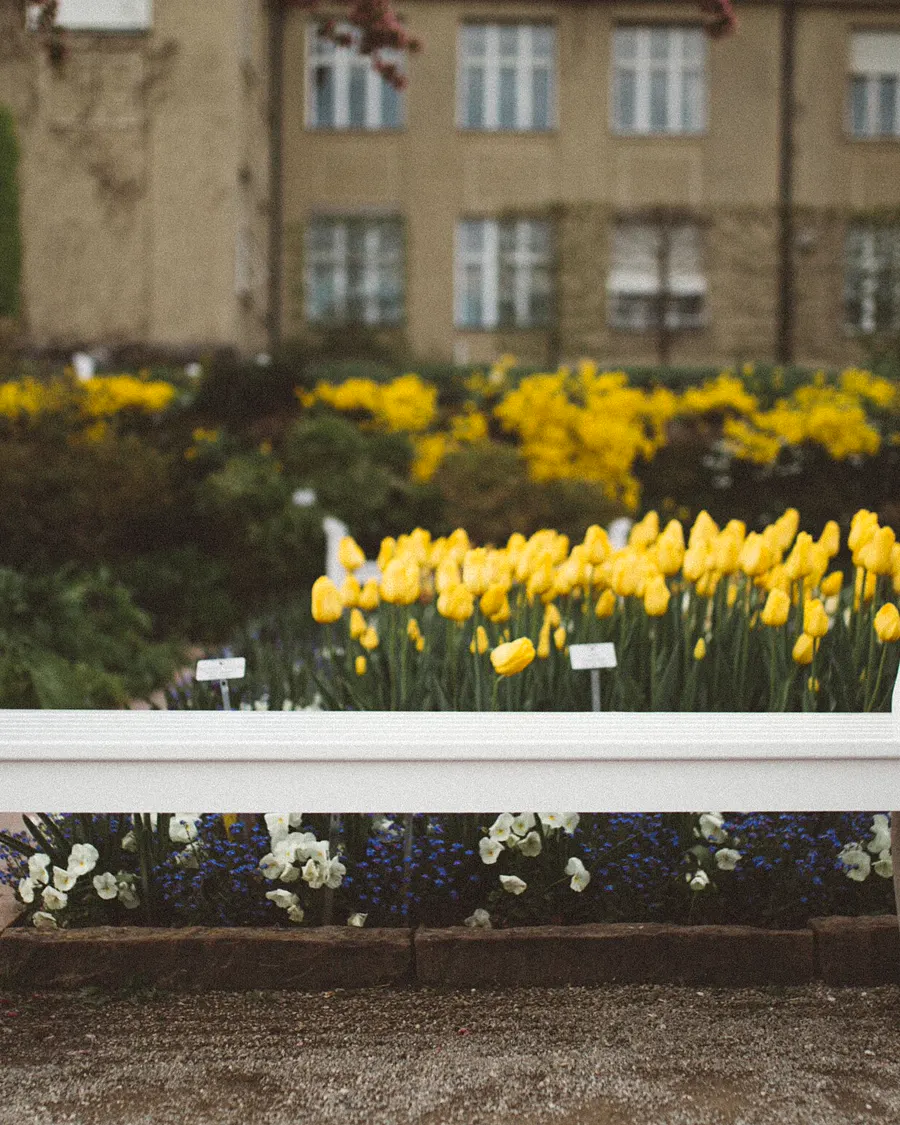
The tulips by the house are out! Sat on the bench for ages. - ExampleGraham · volunteer gardener
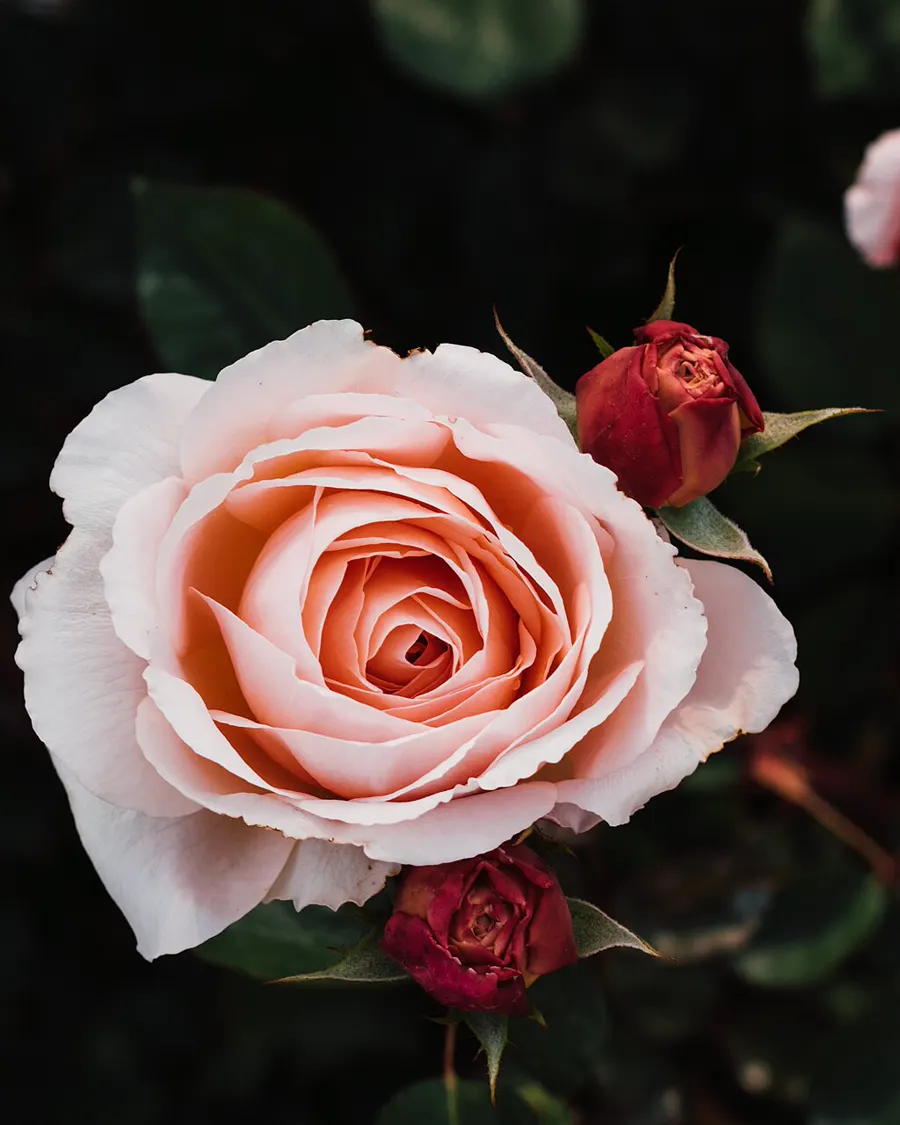
First rose of the summer on the south wall.
Worth knowing
- Each guest agrees to you sharing their photo on your social media, credited the way they chose. For anything else, such as print, check with them first. You can also turn on a question asking whether their photo is OK for your website, listings and ads.
- Visitors need signal or Wi-Fi to send. If the viewpoint has none, put the QR where they can send on the way out.
Questions
Do guests need an app?
No. They scan the QR code with their phone camera, or tap your link, and send from the page that opens. No app, no account.
Does anything post without me?
No. You see every photo first, with the caption it would go out with, and you can change the caption. Nothing goes to Buffer until you send it.
Can we download every photo?
Yes. Download them all in one go from your link's page.
Do I need a Buffer account?
No. Sign in with your email and you can collect and check photos, show them on a TV wall, and download them. Connect Buffer if you want the ones you pick to go to your social media for you: you sign in to Buffer and choose your channels, which takes about a minute. For Instagram, Buffer needs a business or creator account, which you can switch to for free in Instagram's settings.
Is it free?
Yes. Guest Star is free while we're getting started, and so is the QR poster maker. No card, no trial that runs out.
Can someone take their photo down?
Yes, at any time. Everyone who sends something gets a private link to check it or remove it. If it hasn't gone out yet, we cancel it.
Try it before your guests do.
Pick an example ask, print the poster, and send yourself a photo.