Uni clubs, sports clubs and societies
Photos for your club's social media, from the people who were there
The club's socials go quiet because nobody has the photos. Members send theirs from a QR code or the group chat: training, match days, socials and fancy dress nights. You pick the best, and a big night can become one post.
Free while we’re getting started. No card. No app or account needed for guests.
How it works
Share the link
Drop the link in the members' group chat, or put the QR on the clubhouse or changing-room door.
Everyone sends theirs
Photos and short clips from training, the touchline or the social, with no app or account.
Post the best, or make one post
Pick the best and each goes out with the sender's name on. Or pick several from a match day or a social and make them into one post or a carousel for your Buffer drafts.
In more detail
Uni clubs and societies
For the social secretary: one link for training and matches all term, and another for each social or fancy dress night. A busy night's photos come back as a ready-made post idea.
Community sports clubs
Match days, training and presentation nights, from the people on the touchline.
Charities
Supporters' stories and fundraising moments, in their own words, each with their name if they give one.
The example ask
Pick “Match day” and it works as it is. Change anything you like later.
- What you ask
- “Match day! Send us your photos and clips from the touchline. We'll turn the best into a reel.”
- What they send
- PhotoShort video (optional)Words (optional)
- When you pick one
- Each one you pick becomes a post in your colours, sent to your Buffer drafts, or downloaded.
- On the poster
- “You film it, we post it”
- ExampleHamza · third year
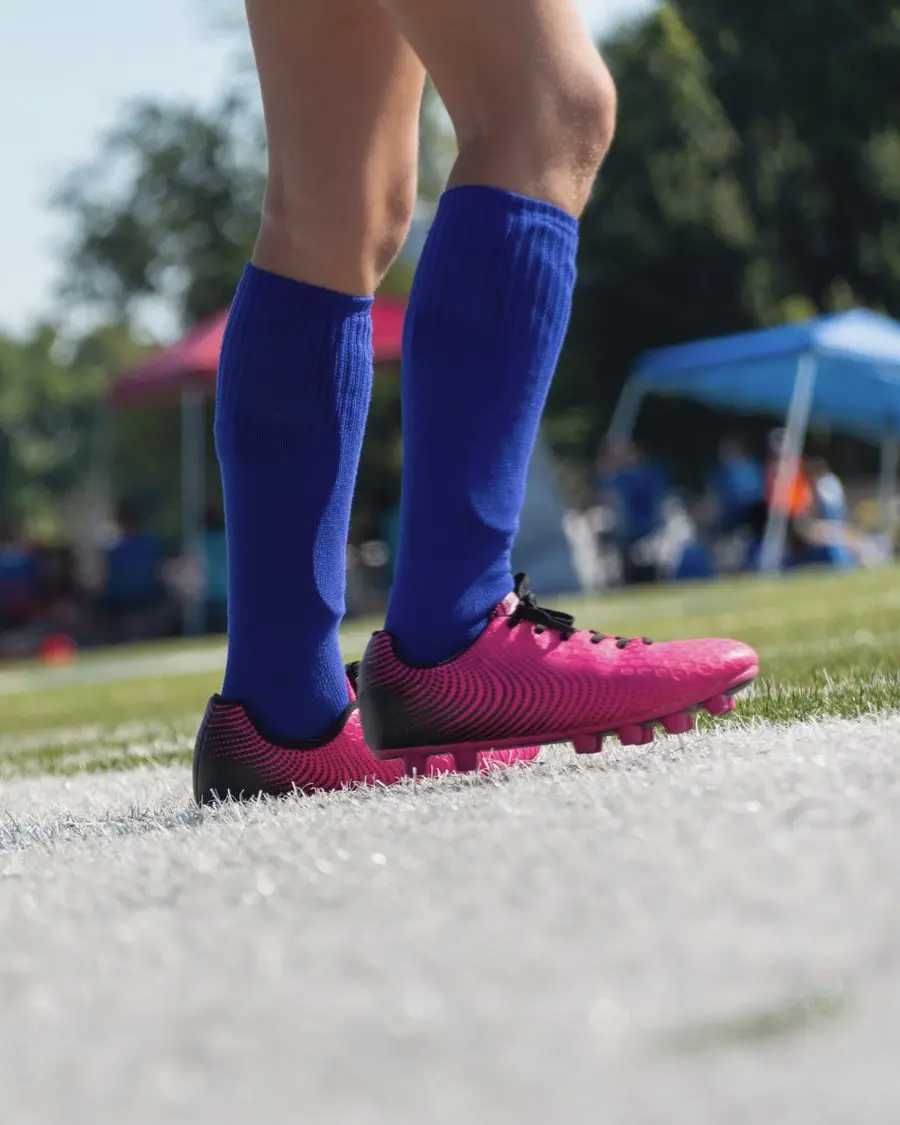
Boots laced, socks up. Wednesday training under the floodlights. - ExampleNiamh · second-team captain
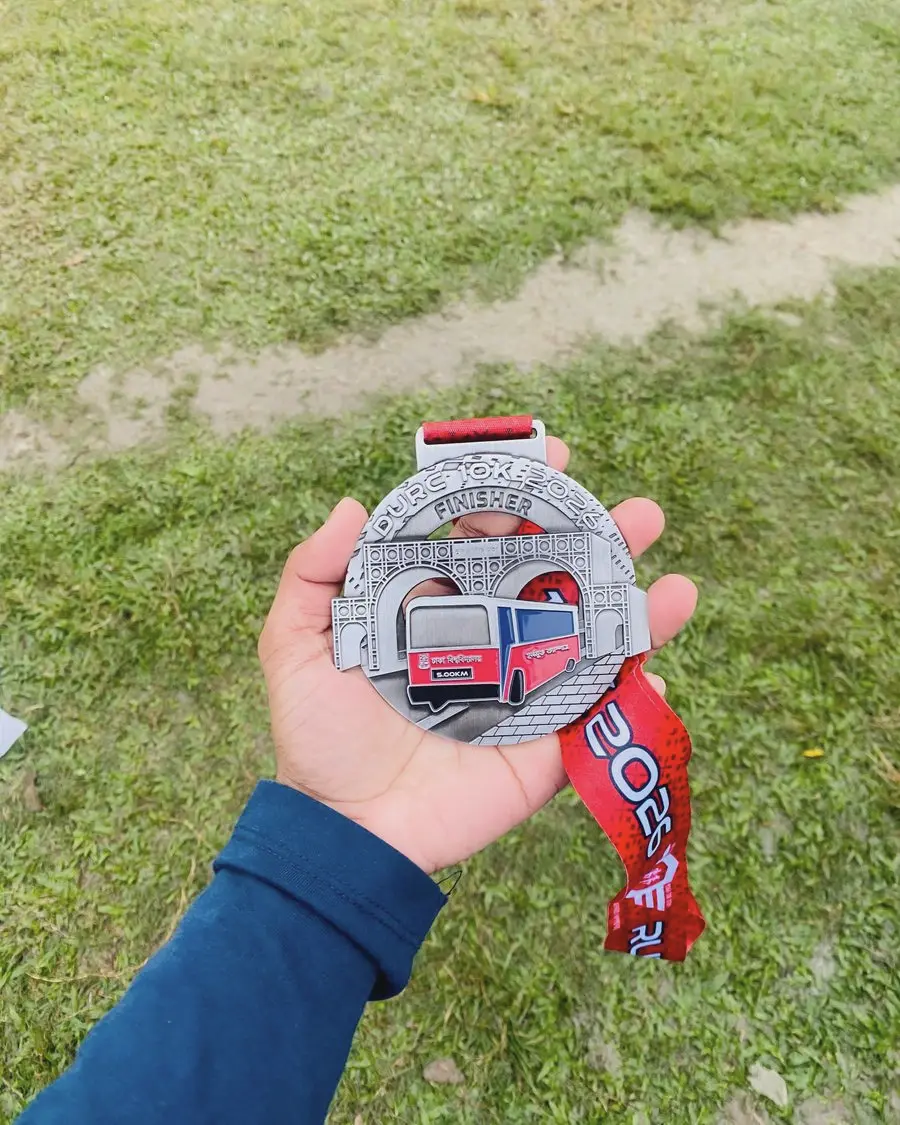
Varsity medal! We won 2-1 and the whole bench went up.
Worth knowing
- You see everything before it posts. Your rules on the guest page, such as no close-ups of junior players without a parent's OK, tell people what you expect.
- Posts go to Buffer. Without Buffer, download them and share them yourself.
Questions
Do guests need an app?
No. They scan the QR code with their phone camera, or tap your link, and send from the page that opens. No app, no account.
Does anything post without me?
No. You see every photo first, with the caption it would go out with, and you can change the caption. Nothing goes to Buffer until you send it.
Do I need a Buffer account?
No. Sign in with your email and you can collect and check photos, show them on a TV wall, and download them. Connect Buffer if you want the ones you pick to go to your social media for you: you sign in to Buffer and choose your channels, which takes about a minute. For Instagram, Buffer needs a business or creator account, which you can switch to for free in Instagram's settings.
Is it free?
Yes. Guest Star is free while we're getting started, and so is the QR poster maker. No card, no trial that runs out.
Can someone take their photo down?
Yes, at any time. Everyone who sends something gets a private link to check it or remove it. If it hasn't gone out yet, we cancel it.
Try it before your guests do.
Pick an example ask, print the poster, and send yourself a photo.